Skip to content

The full tour

How Shallot works

Stop losing track of recipes scattered across apps, bookmarks, screenshots, and text threads. Shallot gathers every find into one searchable cookbook, then writes your grocery list for you.
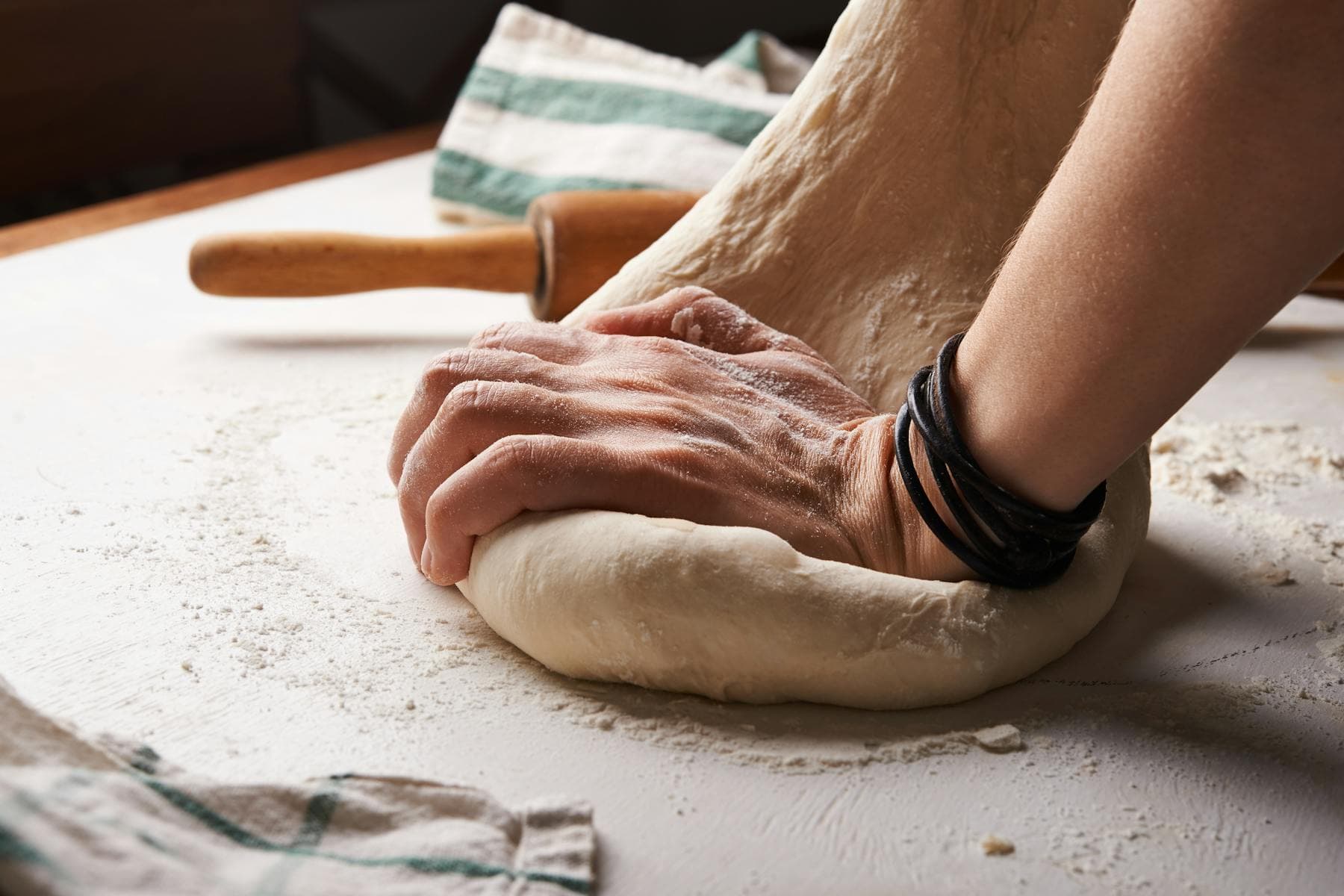
Hands preparing food at a kitchen counter, natural light
Photo: Nadya Spetnitskaya / Unsplash
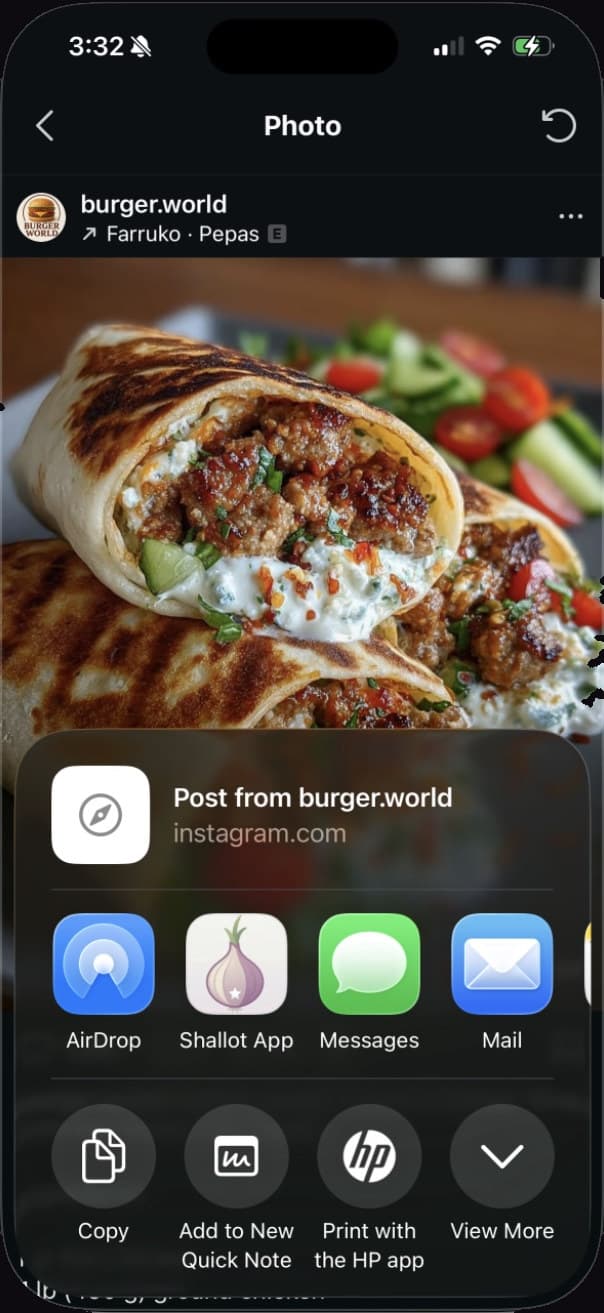
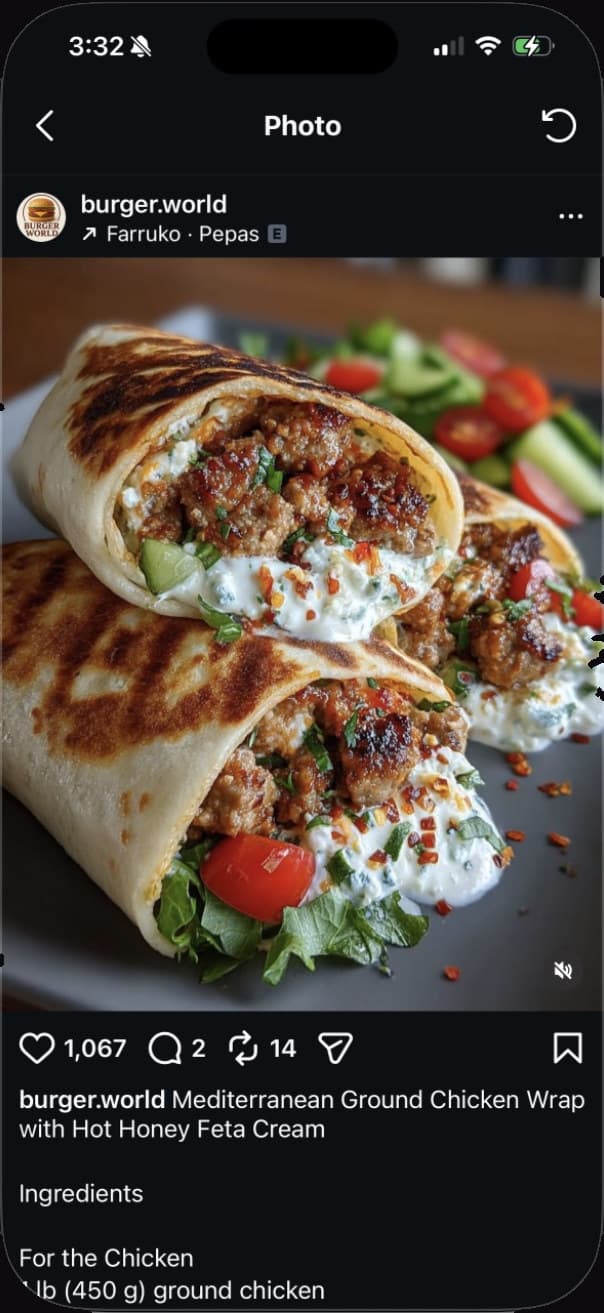
Instagram post of a Mediterranean ground chicken wrap recipe by burger.world
iOS share sheet with the Shallot app ready to save the recipe
From Instagram to Shallot in one share sheet.

Save from anywhere

Save recipes from Instagram and social media

Found a recipe worth keeping? Tap Share, pick Shallot, done. The recipe lands in Your Cookbook with the title, ingredients, steps, and photo already filled in.

Open Share on any recipe, photo, or video, select Shallot, and the app snaps up the content. Title, ingredients, cooking steps, and the original photo all get extracted automatically — no manual typing needed.

If a source doesn't give us the whole picture, Shallot saves what's there and says so: a full recipe, a few gaps, or a simple bookmark. Nothing gets lost, and you can always fill in what's missing later in the app.

  • Instagram (posts and Reels), TikTok, YouTube, Pinterest, Facebook, and any website
  • Auto-extraction of title, ingredients, steps, and photo
  • Honest extraction tiers: full recipe, partial, or bookmark
  • Original source always linked and preserved
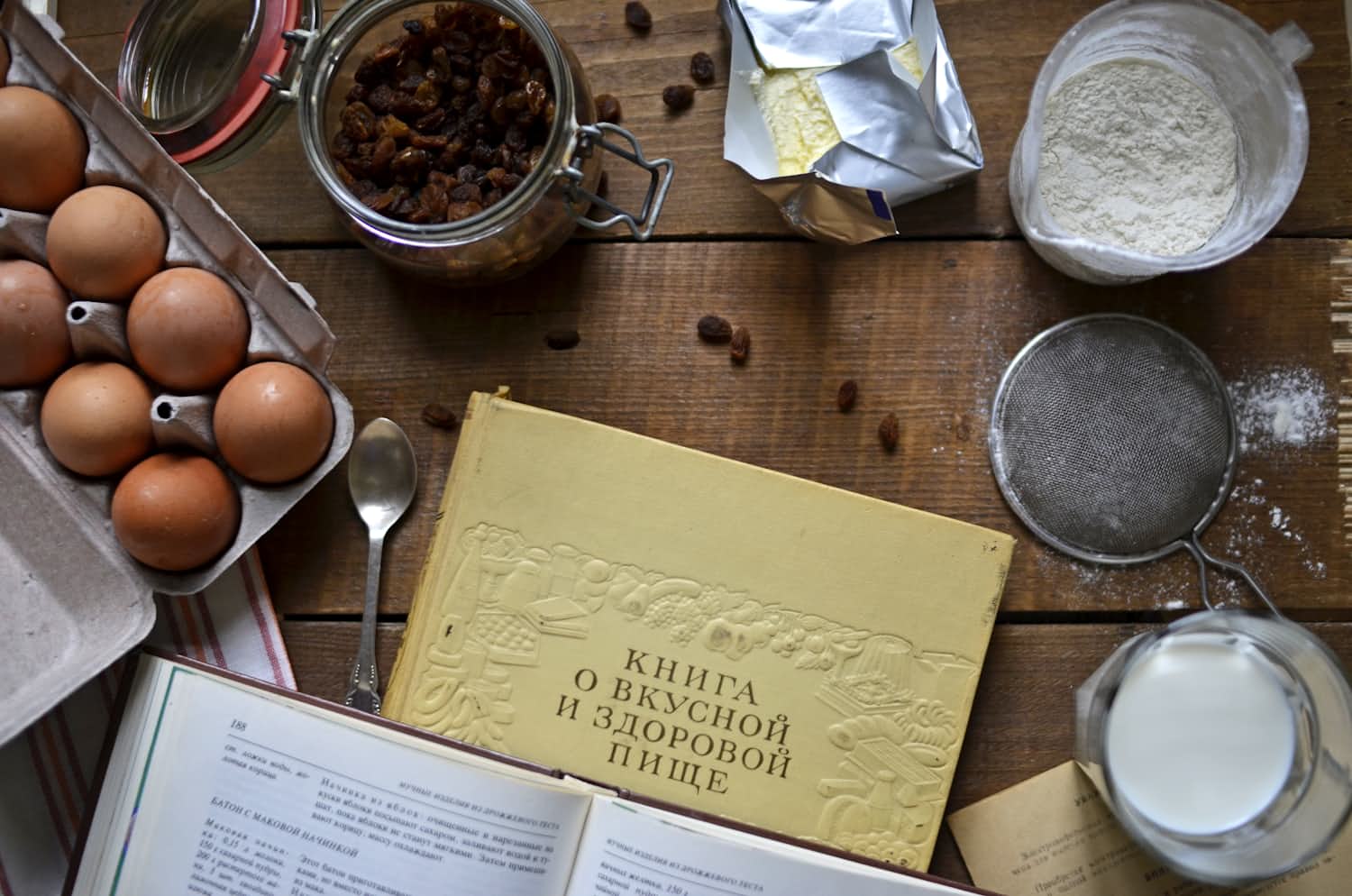
Overhead view of an open cookbook and kitchen notes on a wooden table
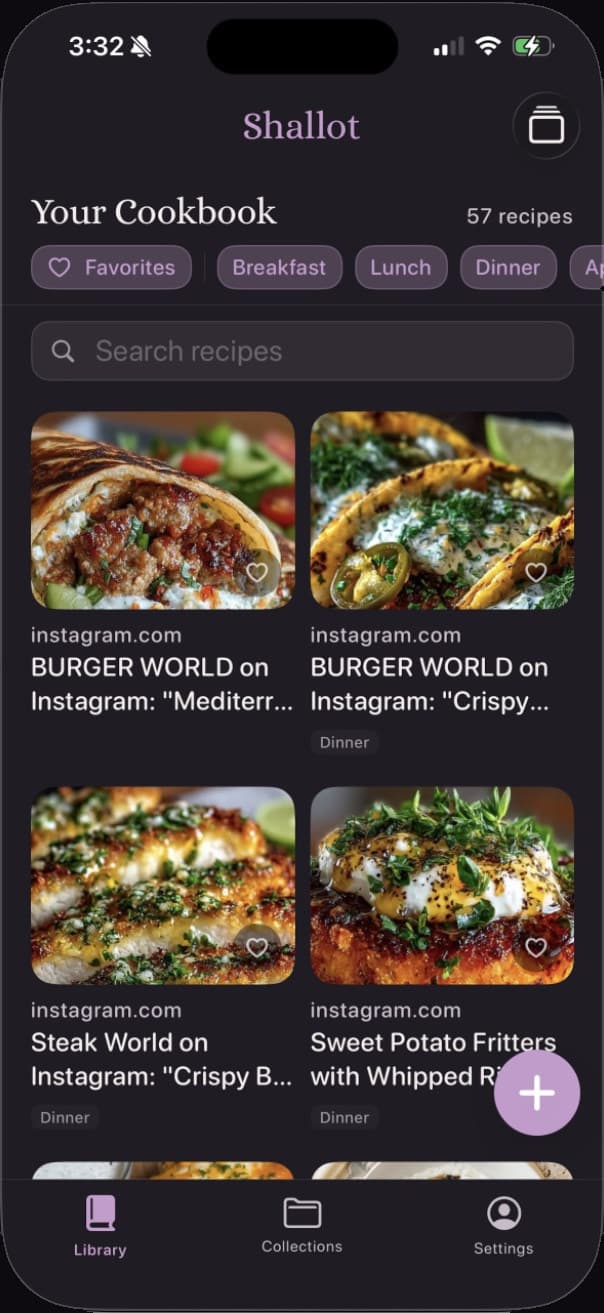
Shallot's Your Cookbook screen: a grid of 57 saved recipes with filter chips for Favorites, Breakfast, Lunch, and Dinner
Recipes saved from Instagram organized in the Shallot library.

Your Cookbook

Organize recipes with collections, tags, and search

Every save lands in Your Cookbook — a searchable recipe library with collections, tags, and favorites. Find the recipe you're thinking of in seconds, not scrolls.

Filter by Favorites or meal type. Search across every recipe title, ingredient, and note. Flip between a grid view and a card stack to browse the way you like. The recipe you're thinking of is three taps away, not thirty scrolls.

Group recipes into Collections — date night ideas, holiday baking, weeknight standbys, whatever makes sense to you. Tag anything with up to eight labels of your own. Organize the way you actually think about food.

  • Searchable library with full-text search across titles and ingredients
  • Smart filtering by Favorites, meal type, and custom tags
  • Collections for grouping recipes by theme or occasion
  • Up to eight custom tags per recipe for flexible organization
  • Grid and card-stack view options for browsing
Built from the week's recipes and organized by aisle.

The Grocery List

Turn recipes into a grocery list

Pick the week's recipes and Shallot merges every ingredient into a single list, organized by aisle. Smart ingredient merging means you buy exactly what you need.

Pick a few recipes for the week and tap Build from Recipes. Shallot pulls every ingredient into one list, merges the duplicates, and organizes everything by aisle — Produce, Dairy & Eggs, Meat & Seafood, Pantry, Spices & Seasonings, Bakery, Frozen, and Other.

Smart merging means when you need 2 cups of flour for one recipe and 1 cup for another, the list shows 3 cups, once. Check items off as you shop. Add the odd item that doesn't come from a recipe. See your progress fill up on the bar.

  • Build from Recipes to merge multiple recipes into one list
  • Smart merging: 2 cups flour + 1 cup = 3 cups, automatically
  • Organized by aisle for efficient shopping
  • Check off items and track your progress
  • Add your own items anytime
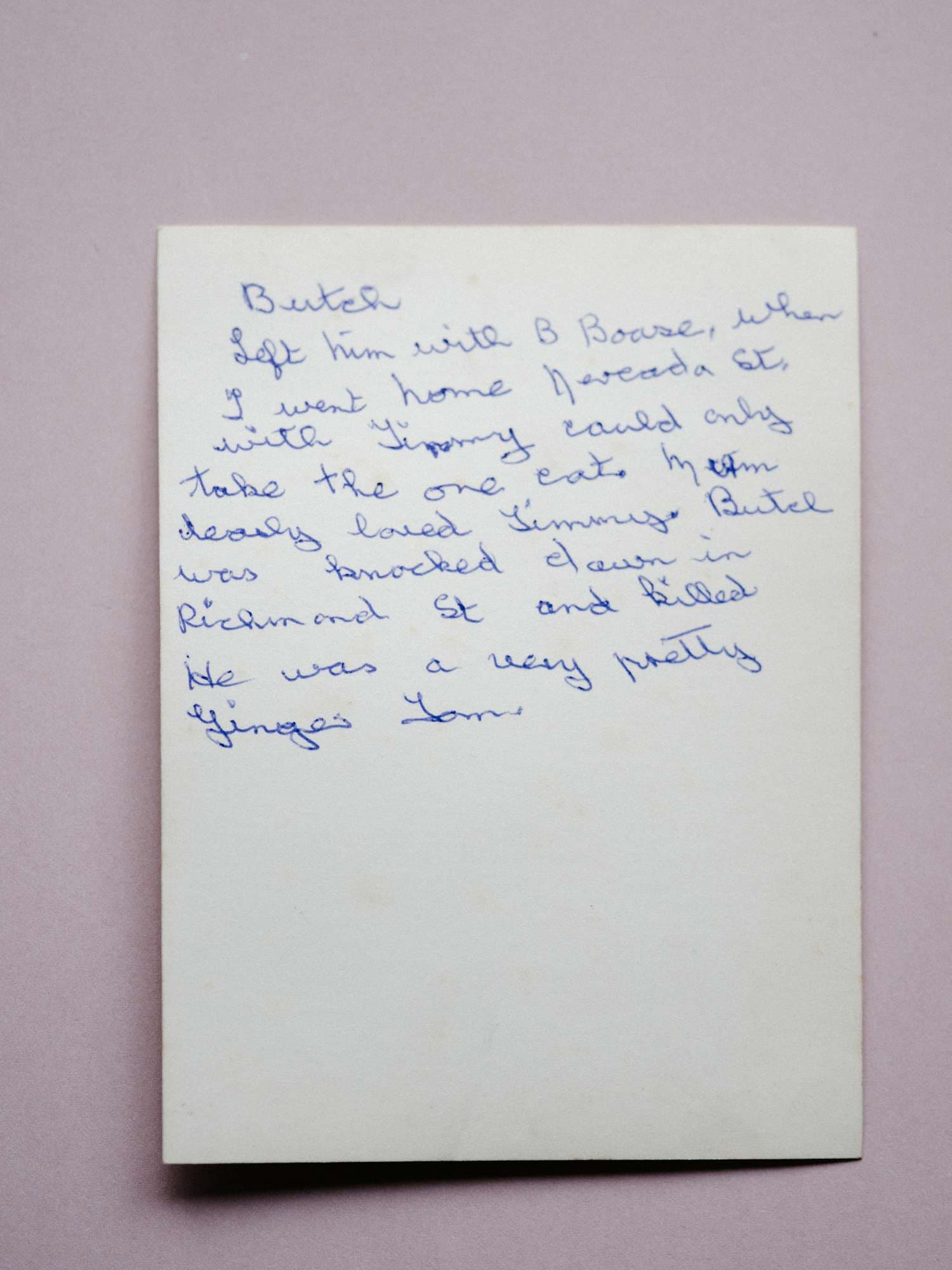
A handwritten recipe on aged paper, photographed for scanning

Nana's Sunday Pot Roast

Scanned from a recipe card

Recipe Saved
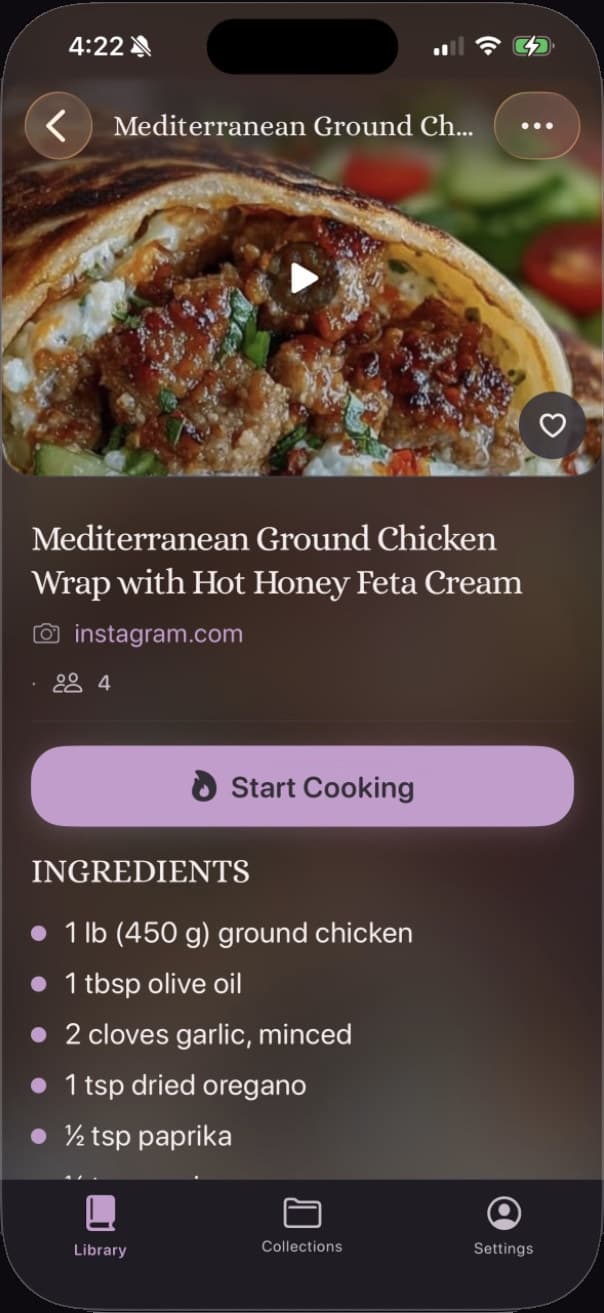
Photo: Annie Spratt / Unsplash

Scan a Recipe

Scan paper recipes with your camera

Some of the best recipes live on index cards and in the margins of cookbooks. Shallot's camera reads the text, finds the ingredients and steps, and builds the recipe for you.

Point your camera at a handwritten recipe card, magazine clipping, or cookbook page. Scan a Recipe reads the text with optical character recognition (OCR), extracts the ingredients and steps, and creates a searchable recipe for you. It's experimental today and improving with every release.

You review and edit before it joins Your Cookbook — so Nana's pot roast comes out exactly the way she wrote it. Tap Start Cooking anytime to use it alongside the original, which stays linked in the recipe.

  • Take Photo or Choose from Library to scan existing photos
  • OCR extracts text, ingredients, and steps automatically
  • Review and edit before saving to Your Cookbook
  • Works with handwritten cards, magazine clippings, and cookbook pages
  • Experimental feature that improves with every release

And when it's time to cook

Start Cooking, step by step.

The clean, distraction-free recipe view keeps you on track. One step at a time, nothing else on screen. The original source is always linked and one tap away.

Shallot's Cook Mode: the Mediterranean wrap recipe displayed in a clean, step-by-step format with the original source preserved
The Mediterranean wrap, ready to cook — saved from Instagram, source preserved.

Questions

Questions, answered

Which platforms does Shallot support?

Shallot works with recipes from Instagram, TikTok, YouTube, Pinterest, Facebook, and any website. Use the iOS Share Extension to save in one tap.

Does it work with Reels and TikTok videos?

Yes. When you share a Reel or TikTok video to Shallot, the app reads the post's caption and description and builds the recipe from there, adding the title, ingredients, and steps to Your Cookbook. On YouTube it can use the video's captions too. It does not read text burned into the video image itself, so a recipe shown only on screen may arrive as a bookmark with the link and photo kept, ready for you to fill in.

What happens if a recipe can't be fully extracted?

Shallot saves what it finds and tells you what's there: a full recipe, a few gaps, or a simple bookmark. Nothing disappears. You can always edit it in the app.

How does the grocery list merge ingredients?

Pick the week's recipes, tap Build from recipes, and Shallot merges every ingredient into one list, organized by aisle. Smart merging means 2 cups of flour plus 1 cup becomes 3 cups, once.

Can it read handwriting?

Shallot's Scan a Recipe feature uses your phone's camera to read handwritten recipe cards, magazine clippings, and cookbook pages. It's experimental today and improving with every release.

How much does Shallot cost and when does it launch?

Shallot will be free to download when it launches on the App Store; pricing details will be announced at launch. Join the waitlist to be notified the day it lands.

The waitlist

Be first in the kitchen.

Join the waitlist and we'll email you the day Shallot lands on the App Store. Nothing else, promise.

Download on the App Store