Skip to content

The recipe organizer for iOS

Save recipes from Instagram, TikTok, and everywhere else.

Shallot is your personal cookbook. One beautiful place for every recipe you find on social media, on the web, or in Grandma's handwriting — and it writes your grocery list, too.
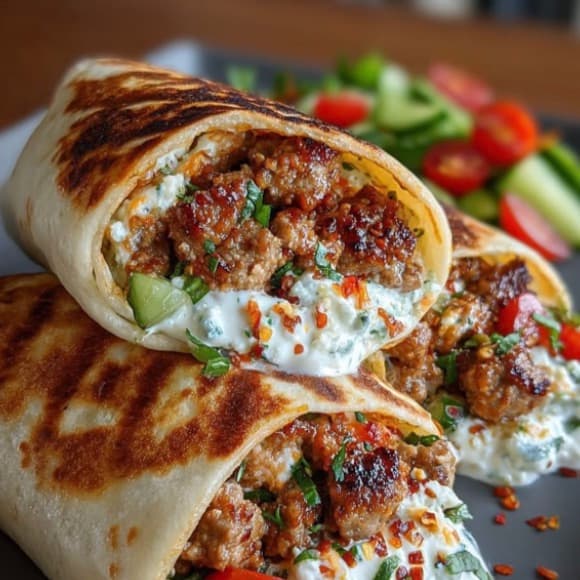
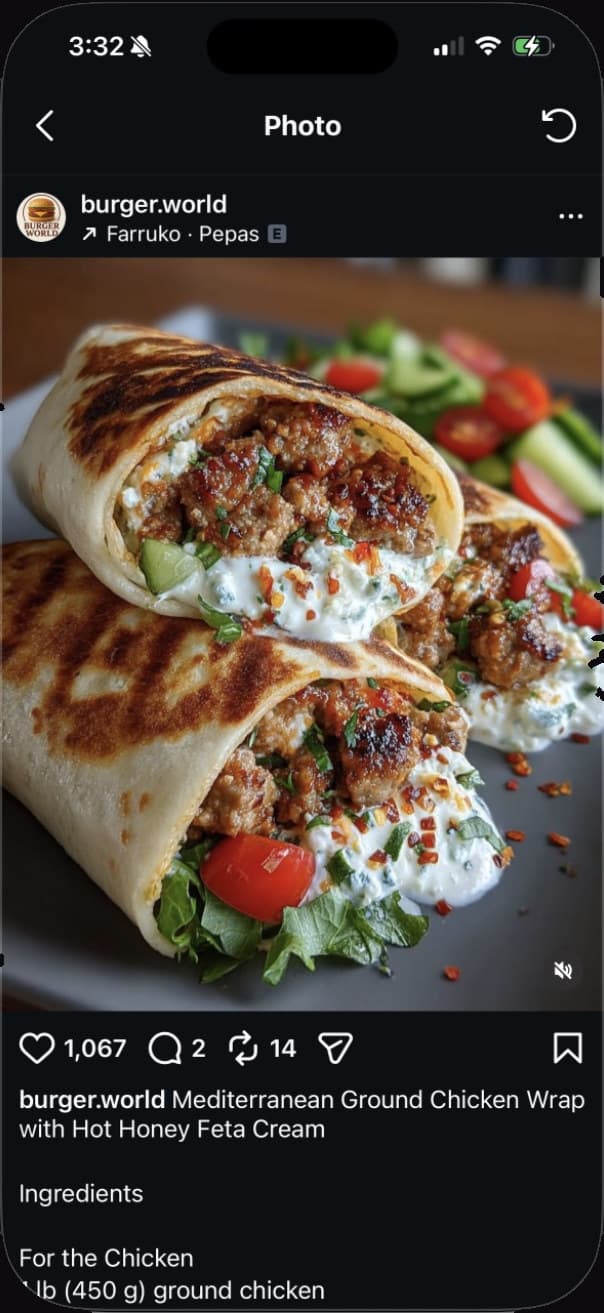
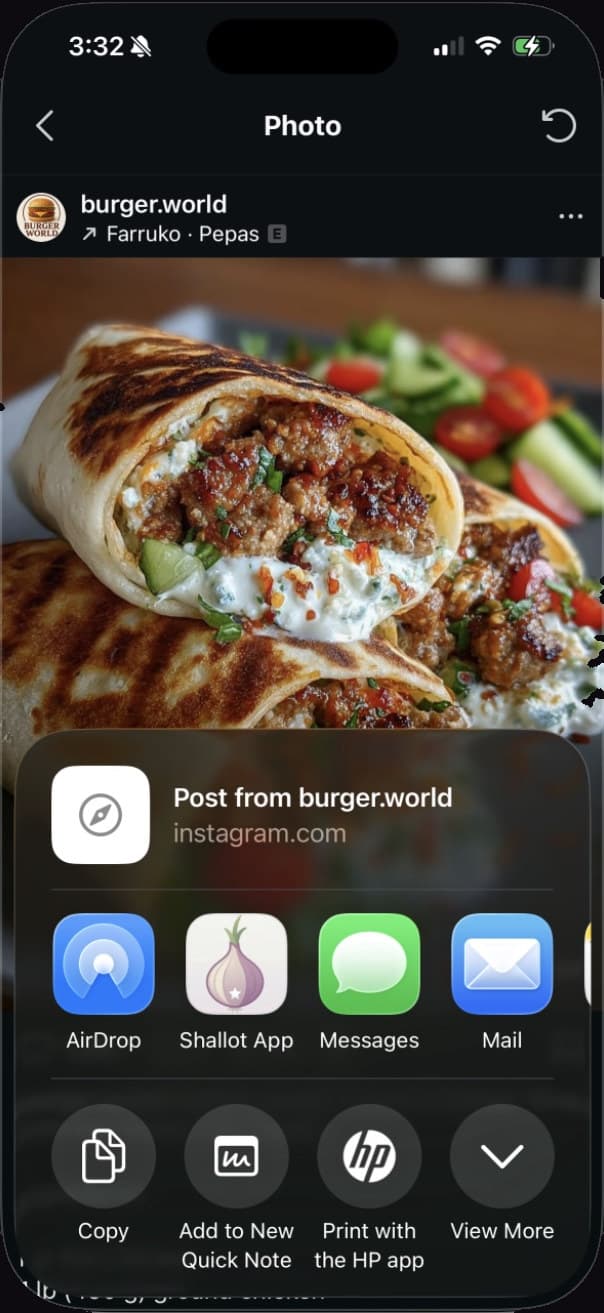
Saved from @burger.world in one tap.
Instagram post of a Mediterranean ground chicken wrap recipe by burger.world
iOS share sheet with the Shallot app ready to save the recipe
A real save: @burger.world's Mediterranean wrap, from Instagram to Shallot.

The Share Extension

From your feed to your cookbook in one tap.

Save recipes from Instagram, TikTok, YouTube, Pinterest, Facebook, and any website with the iOS Share Extension.

Found a recipe worth keeping? Tap Share, pick Shallot, done. The recipe lands in Your Cookbook with the title, ingredients, steps, and photo already filled in.

If a source only gives us part of the story, Shallot saves what's there and says so: a full recipe, a few gaps, or a simple bookmark. Nothing disappears into a black hole.

Instagram · TikTok · YouTube · Pinterest · Facebook · any website

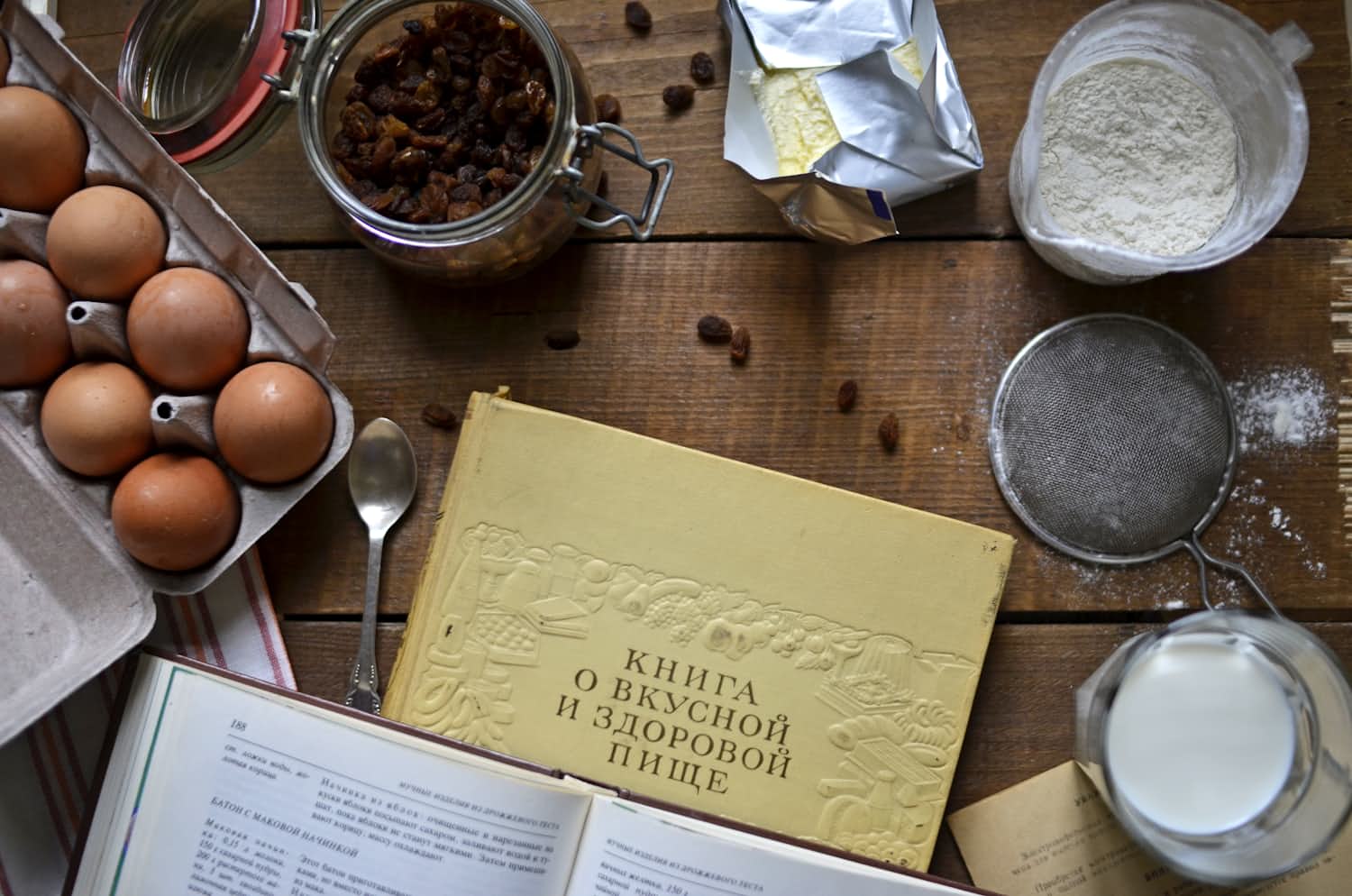
Overhead view of an open cookbook and kitchen notes on a wooden table
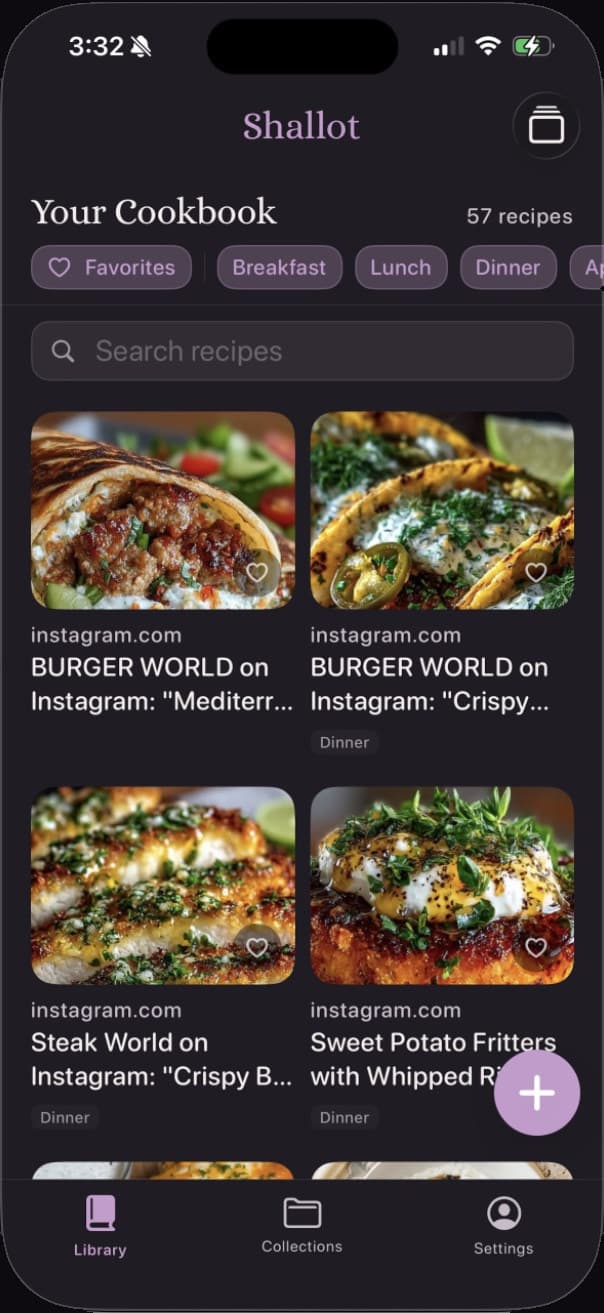
Shallot's Your Cookbook screen: a grid of 57 saved recipes with filter chips for Favorites, Breakfast, Lunch, and Dinner
Recipes saved from Instagram organized in the Shallot library.

Your Cookbook

A cookbook that keeps itself organized.

Every save lands in Your Cookbook — a searchable recipe library with collections, tags, and favorites.

Filter by Favorites or meal type, search across every title, and flip between a grid and a card stack. The recipe you're thinking of is three taps away, not thirty scrolls.

Group recipes into Collections — date nights, holiday baking, weeknight standbys — and tag anything with up to eight labels of your own.

57 recipes, three collections, zero screenshots.
Built from the week's recipes and organized by aisle.

The Grocery List

Five recipes. One grocery list.

Pick the week's recipes and Shallot merges every ingredient into a single list, organized by aisle.

Pick a few recipes and tap Build from Recipes. Shallot pulls every ingredient into one list and merges the duplicates — 2 cups of flour here and 1 cup there become 3 cups, once.

The list sorts itself by aisle, from Produce to Frozen. Check things off as you shop, and add the odd item that doesn't come from a recipe.

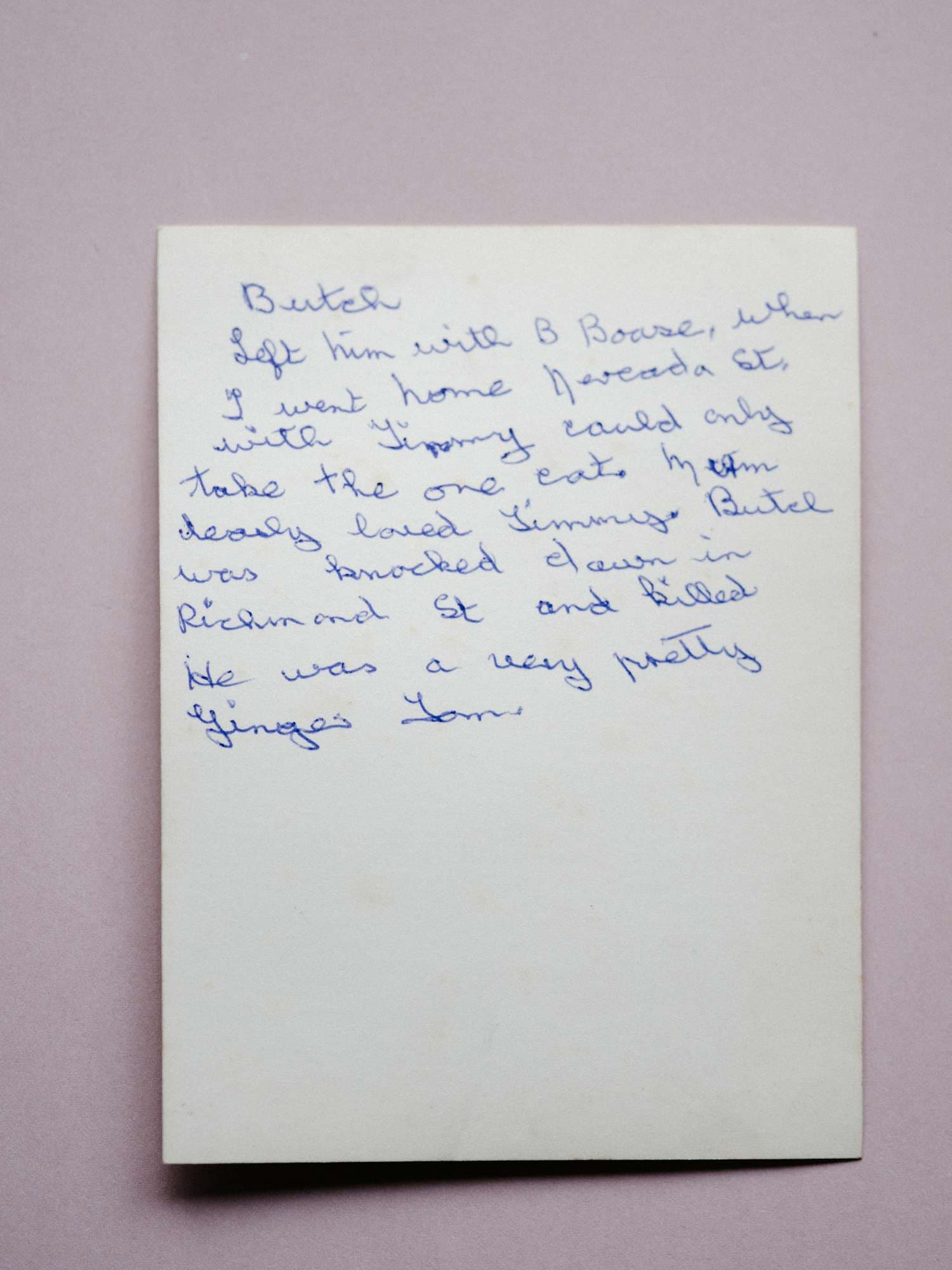
A handwritten recipe on aged paper, photographed for scanning

Nana's Sunday Pot Roast

Scanned from a recipe card

Recipe Saved

Photo: Annie Spratt / Unsplash

Scan a Recipe

Some recipes never made it online.

Scan a Recipe turns cookbook pages, magazine clippings, and handwritten cards into searchable recipes.

Some of the best recipes live on index cards and in the margins of cookbooks. Point your camera at them, and Scan a Recipe reads the text, finds the ingredients and steps, and drafts the recipe for you.

You review and edit before it joins Your Cookbook — so Nana's pot roast comes out exactly the way she wrote it. It's experimental today, and it gets better with every release.

How it works

From found to cooked in four steps.

  1. Find a recipe

    A Reel from your favorite food creator, a Pinterest board, a food blog, a text from your sister — recipes hide everywhere.

  2. Share to Shallot

    Tap the share button you already use every day and pick Shallot. That's the whole job.

    How to pin the Share Extension →
  3. Open Your Cookbook

    The recipe is extracted, organized, and searchable — title, ingredients, steps, and photo included.

  4. Shop and cook with confidence

    Build the week's grocery list from your picks, then tap Start Cooking for a clean, step-by-step view.

“No more digging through screenshots, saved Reels, and text threads.”

Photo: Rachel Park / Unsplash

The waitlist

Be first in the kitchen.

Join the waitlist and we'll email you the day Shallot lands on the App Store. Nothing else, promise.

Download on the App Store